If you’ve just arrived in Japan or you need a simple, English-friendly way to pay online and in stores, MobalPay is designed to help.
It’s a prepaid product, so you load funds first and spend from your balance—no credit check, no revolving debt, and no interest.
This guide explains what the card is, who can apply, the fees and limits, how to charge it, and how to use MobalPay card Japan with confidence.
What MobalPay Is
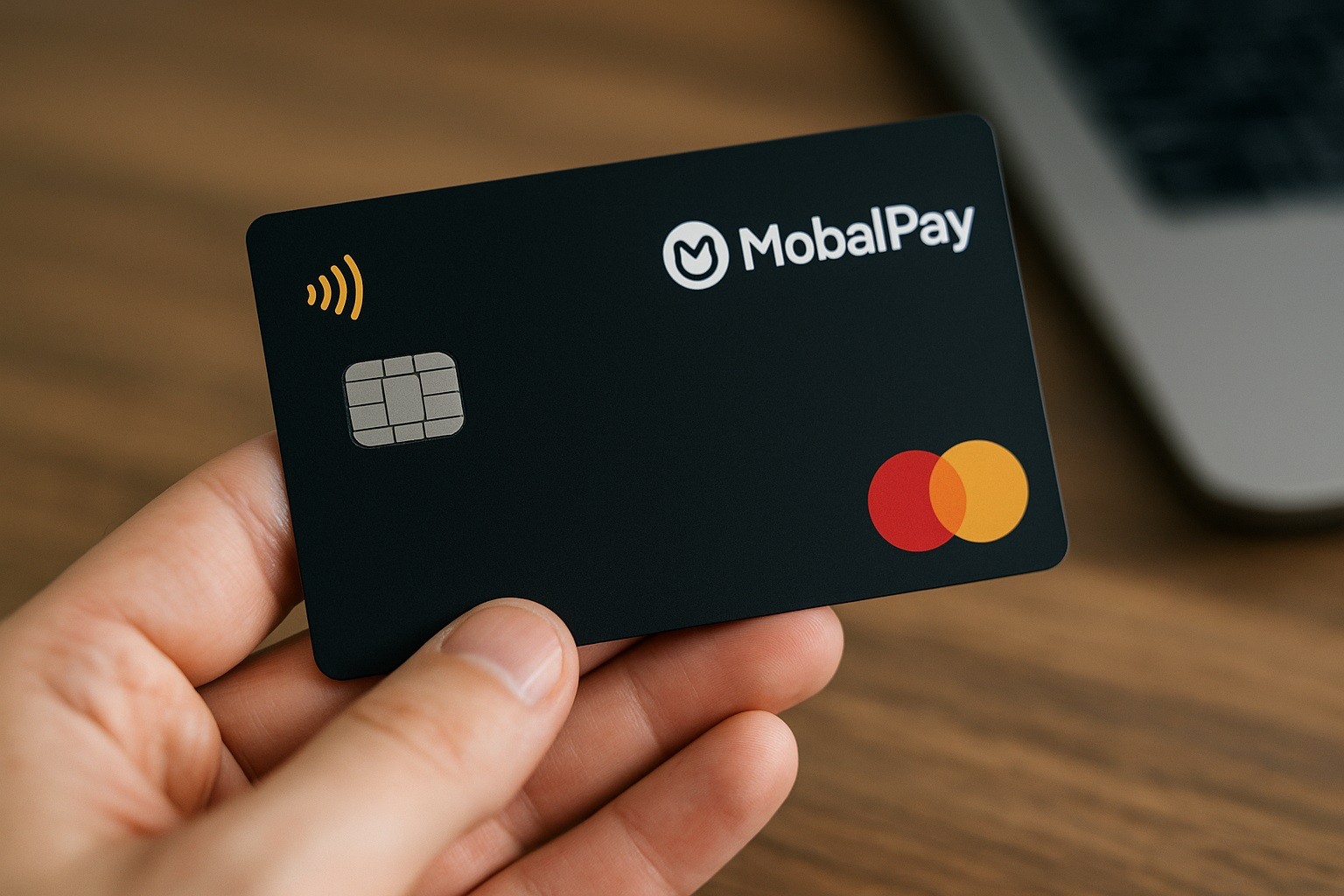
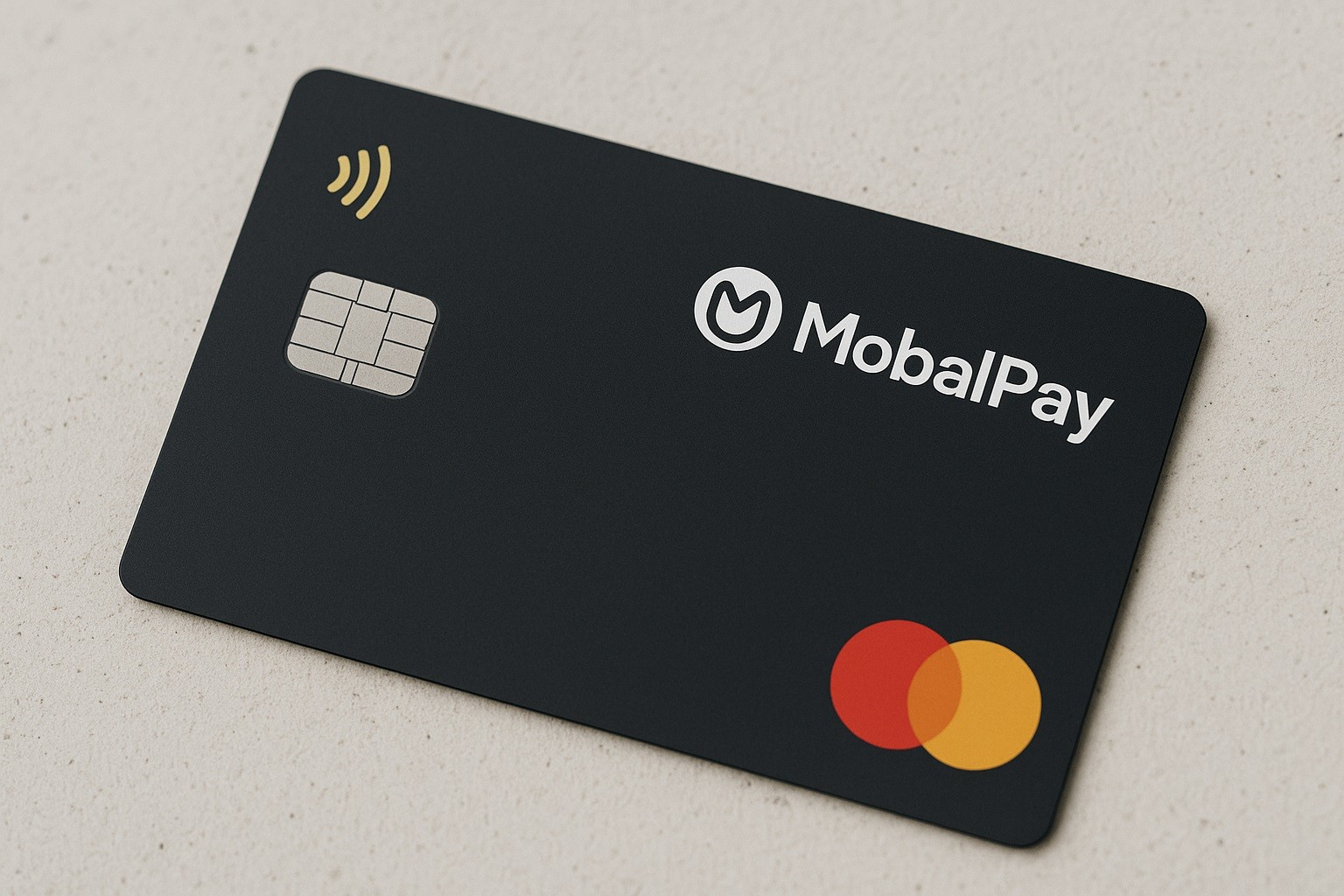
MobalPay is a Japan-issued prepaid Mastercard.
Think of it as a stored-value payment card you can use anywhere Mastercard is accepted in Japan and online.
Because it’s prepaid, it is not a credit card and is not linked to a bank account like a debit card would be.
That distinction matters for budgeting and for expectations around “interest rates” (more on that below).
Who’s Eligible And What You Need
MobalPay is built with newcomers in mind. Reside in Japan and be able to receive postal deliveries at your registered address.
Have a valid government ID (for most applicants, a Japanese Residence Card).
Be able to complete a short online application and basic identity verification.
There is no requirement to already have a Japanese bank account to get started, which is why many international students and new hires use it.
Fees, Interest, and Ongoing Costs
Because MobalPay is prepaid, interest rates don’t apply—there’s no borrowing and no APR. Instead, you’ll want to budget for program fees.
- One-time set-up fee: ¥2,970 (tax included).
- Monthly fee: ¥385 (often the first month is free after approval).
- Top-up fees: Typically, no surcharge when you add money via the supported methods (see “How to charge” below).
- Foreign use: The program is intended for Japan; if you use it abroad or on non-JPY transactions, standard network currency conversion rules may apply.
Always review your account dashboard and program terms to ensure you understand which fees apply to your usage pattern.
Spending Limits and Where They Work
If you’re comparing “mobalpay credit card limit” with classic credit cards, remember this is prepaid: your available balance is what you’ve loaded.
Additionally, the program imposes transaction limits for security and regulatory reasons.
Daily or monthly caps can also apply. Check your account for your specific profile’s limits.
Acceptance of prepaid cards is broad, but not universal, especially for subscription or deposit-type services. Keep a backup payment method for edge cases.
How To Apply For MobalPay Card Japan
If you’re searching “mobalpay credit card apply”, here’s the practical, plain-English flow:
- Apply online (English available). Create your account and enter your basic details.
- Verify your identity. Upload a clear photo of your Residence Card or other accepted ID.
- Pay the one-time set-up fee. You’ll receive instructions (often a scannable barcode) to pay ¥2,970 at a major convenience store—no bank account required.
- Receive the physical card. It’s delivered to the address on your Residence Card. Make sure your nameplate is on the mailbox so that someone can receive it.
- Activate and set a PIN (if prompted). Activation takes minutes in your account portal.
- Top up (see next section) and start using the card online and in stores.
Most applicants find the process straightforward, especially compared with opening a full bank account when they’ve just arrived.
How To Charge MobalPay Card (Add Money)
Cash at convenience stores is the fastest path when you don’t have a bank account yet. Use the barcode or payment code provided in your account.
If you later open a Japanese bank account, you can transfer funds into your MobalPay balance from online banking or at an ATM.
Depending on the program options active for your account, there may be additional ways to add funds. Always follow the instructions in your dashboard.
Top-ups usually post promptly, but timing may vary by method and time of day. Keep your receipts until the balance appears.
How To Use MobalPay Card Japan
In stores, insert the card into the chip reader (or tap if the terminal supports contactless). You may be asked to enter your PIN or provide a signature.
Online, enter the card number, expiry, and security code. Many sites trigger 3-D Secure verification for fraud protection.
Many Japanese services work smoothly with Japan-issued cards; however, a few platforms restrict prepaid products.
If a particular app declines the card, try another payment route (e.g., store payment, convenience store cash, or a different app).
Practical tip: Turn on transaction notifications in your account so you see authorizations and posted purchases in real time. It’s the easiest way to track spending and spot anything unusual immediately.
Security, Support, and Best Practices
Chip and online verification help protect against misuse. Name and address matching are important—keep your account profile updated.
Keep a buffer balance. Small “test” authorizations can temporarily reduce the visible balance; keeping a cushion avoids declines.
Monitor limits. If you anticipate a large purchase (e.g., airfare), check your per-transaction cap first.
MobalPay is for payments, not for cash access or payroll. If you need ATM withdrawals, consider a bank account or another product designed for cash.
Contacts
Although you’ll handle nearly everything through your MobalPay account, some readers specifically need bank phone and address details for forms or employer records.
Program operator (Mobal / Mobell Communications Ltd.)
- Address: 8F, VORT Kagurazaka I, 34 Tansumachi, Shinjuku-ku, Tokyo 162-0833, Japan.
- Customer support: via the MobalPay Help Center/contact form (email support often listed as support@mobalpay.com).
- Hours: Online ticketing; response times vary by day and season.
- Issuer (Mitsubishi UFJ NICOS Co., Ltd.)
- Head office address: 4-14-1 Sotokanda, Chiyoda-ku, Tokyo 101-8960, Japan.
- Main phone (switchboard): +81-3-3811-3111.
Note: Issuer corporate contacts are not a substitute for MobalPay account support. For application status, card activation, top-ups, or transaction questions, contact MobalPay support first.
Quick Pros And Cautions
Pros
- Easy onboarding for newcomers; no interest and no credit check.
- Japan-issued card aids acceptance for domestic online services.
- Multiple top-up paths (convenience store cash, then bank transfer once you’re set up).
Cautions
- Monthly fee applies; budget for it.
- Prepaid acceptance is broad but not universal (especially for some subscriptions).
- Limits apply; verify your per-purchase cap before big buys.
Conclusion
MobalPay offers a practical bridge into the country’s cashless ecosystem.
It’s easy to charge with cash or bank transfer, simple to use in stores and online, and clear to budget because there’s no interest and you only spend what you load.
If you’re moving to Japan, studying, or starting a new job, this MobalPay prepaid card can help you pay like a local while you get your full banking setup in place.
Disclaimer: This article is for general information only and does not provide financial advice. Fees, limits, eligibility, addresses, and phone numbers can change without notice; always confirm current details in your MobalPay account and official program documents before applying or using the card.