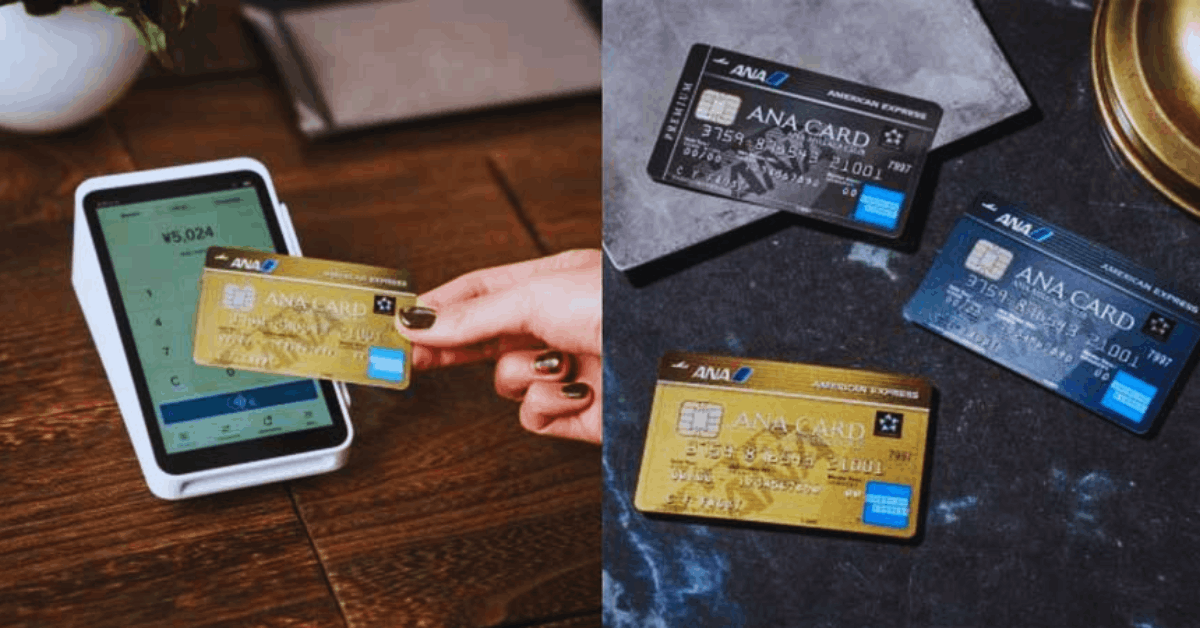
You want one card for trains and shopping. The BicCamera Suica Card does both. It is a View Card issued by JR East.
It links credit payment and Suica e-money. It also earns JRE POINT and lets you stack store points at BicCamera.
If you live in Japan and ride often, this card fits your routine.
What the BicCamera Suica Card Gives You
You can charge Suica and set Auto-Charge at ticket gates. You earn JRE POINTS on Suica charges and Auto-Charge.
You can also buy Mobile Suica commuter passes and earn points on the payment. At BicCamera, you keep strong in-store point rates when you pay with Suica.
You can convert JRE POINT to Suica for daily rides. You manage points in your JRE account and in your online View Card account.
Key Costs and Interest
Annual fee is ¥524 (tax included). The first year is free. From the second year, one qualifying use in the prior year waives the fee.
A single Suica top-up qualifies. The revolving (shopping) interest rate is 13.2% annual (1.1% monthly).
Cash advance interest is 18.0% annual. Late charges on cash advances can be higher. Pay in full to avoid interest.
Avoid cash advances unless necessary. Installments and revolving payments add cost quickly.
How to Apply Online (Fastest)
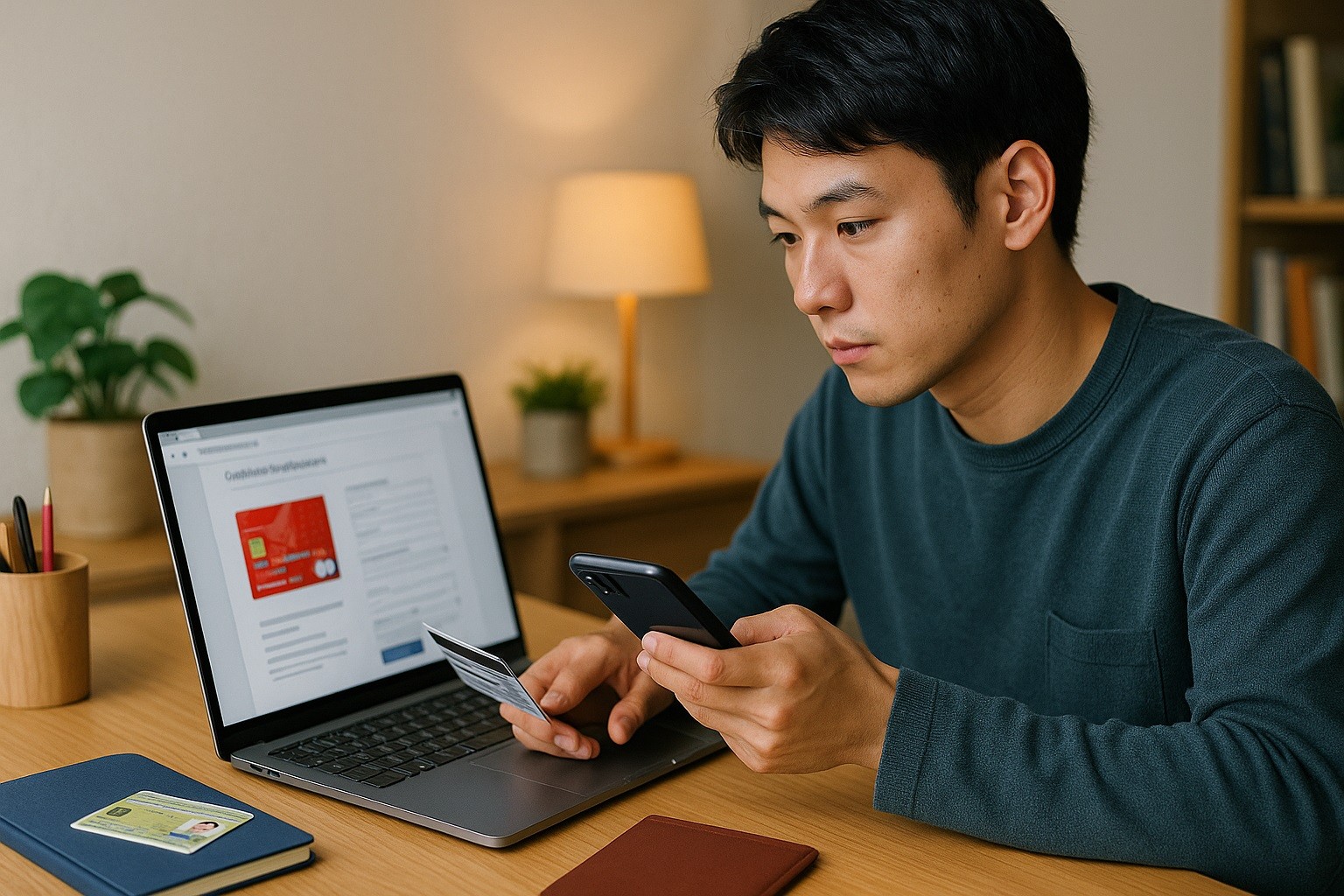
You must live in Japan. You must be 18 or older and reachable by phone. High-school students are not eligible.
You need a Japanese bank account for direct debit of your monthly bill. You must pass the issuer’s screening.
You can choose Visa or JCB. Pick based on where you pay most often. If you use foreign sites, Visa has broad acceptance.
If you prefer domestic campaigns, JCB can help. Either brand works for Mobile Suica and Auto-Charge.
- Open the official BicCamera Suica Card page and start the application.
- Pick Visa or JCB. You cannot change this after submission.
- Enter your name, address, phone, and email. Enter your employment and income details. Enter the bank account you will use for automatic payments.
- Complete identity verification. Follow the e-KYC steps with a valid ID (for example, a residence card or a driver’s license). Keep the original ID ready during the selfie check.
- Review terms and privacy notices. Confirm consent where required.
- Submit.
- Wait for screening and issuance. Delivery can be quick when your data is accurate. You receive the plastic card by mail after approval.
How to Apply In-Store (BicCamera)
Go to a BicCamera or an affiliate store that supports card applications. Ask for the BicCamera Suica Card at the service counter.
Staff will guide you through the View Card form and ID check. Some locations can issue a temporary card on the same day.
You can use that for store purchases while you wait for the final card to arrive by mail.
Bring your bankbook or cash card for direct-debit setup, your My Number documents if requested, and your ID.
Documents and Setup You Should Prepare
Have your residence address in Japan and a reachable phone number. Prepare your bank account details for auto-debit.
Keep your ID ready for e-KYC. If you plan to buy a commuter pass in Mobile Suica, confirm your route in advance.
If you want Auto-Charge at gates, make sure you have Mobile Suica set up on your phone or watch.
Smart Setup After Approval
Activate your online account (VIEW’s NET). Check your credit limit and statement cycle. Link your card to Mobile Suica and enable Auto-Charge.
Set a sensible threshold and top-up amount so you do not stall at the gate.
Use Suica at BicCamera when possible to keep strong in-store points while also earning JRE POINT on your top-ups.
Track your JRE POINT balance monthly. Convert points to Suica when you need train fare. Enable alerts for spending, online use, and overseas use to reduce risk.
Fees to Watch and How to Avoid Them
Make one purchase or top-up per year to keep the next year’s annual fee waived. Pay statements in full by the due date to avoid interest.
Do not use revolving payment if you can avoid it; the rate is 13.2%. Do not use cash advances unless urgent; the rate is 18.0% and accrues daily.
Watch for card reissue fees if you lose the card.
Check overseas usage fees before travel. If you add family cards, confirm their annual fees and conditions.
Everyday Usage Tips
Use Mobile Suica for gates and small buys. Keep Auto-Charge on to avoid a zero balance. Use the plastic card for larger store payments.
Paying with Suica can help you keep on top of in-store point rates on many items. For big electronics, confirm whether using credit directly affects store points.
Register for paperless statements to see charges early. Turn on international usage only when you travel.
If you move, update your address and bank details promptly to avoid returned mail and payment issues.
Security and Troubleshooting
If your card is lost or stolen, call the 24-hour lost/stolen desk immediately. Lock your Mobile Suica from the app if your phone is missing.
Replace your SIM or device, then re-set Mobile Suica with your account.
If Auto-Charge fails at gates, check whether your card is active, whether you reached your limit, or whether your bank rejected the last debit.
If the problem continues, call support. If your statement shows unknown charges, dispute them at once and request a temporary stop on the card.
Customer Support
View Card Center (general / operator): 03-6685-7000 (9:00–17:30, daily).
Lost/Stolen Desk: 03-6685-4800 (24 hours, daily).
Online account (VIEW’s NET): use it for statements, limits, points, and alerts.
View Card Co., Ltd. (JR East Group) Osaki Center Building, 1-5-1 Osaki, Shinagawa-ku, Tokyo 141-8601, Japan.
Conclusion
The BicCamera Suica Card is practical if you ride JR lines and shop for electronics.
You get Suica convenience, JRE POINT on top-ups, and strong store points when you pay with Suica at BicCamera.
Apply online for speed, set Auto-Charge, and keep one yearly use to avoid the fee. Use alerts and full payment to stay in control.
Disclaimer: This guide summarizes official issuer features and typical conditions as of August 27, 2025. Terms, fees, eligibility, and benefits can change without notice. Interest rates, fee waivers, and point rates are set by the issuer and may vary by campaign or brand. Always confirm the latest details with the issuer before you apply or use the card.