
The PayPay Credit Card application is tightly integrated with Japan’s popular PayPay app and is issued by PayPay Card Corporation.
The lineup includes PayPay Card and PayPay Card Gold, both designed to sync with your PayPay account and display usage and point balances in-app.
Below you’ll find eligibility, rates, and fees, and clear application steps—plus official contact details and addresses for the issuer.
What The PayPay Credit Card Is
The Card Corporation operates the credit-card business that powers the PayPay Card family.
The company publicly lists its products and “make a card” flow on its service site, covering PayPay Card, PayPay Card Gold, family cards, and add-ons like ETC.
At a glance on annual fees: PayPay Card is permanently free, while PayPay Card Gold has a ¥11,000 (tax-incl.) annual fee.
Family cards are free, and an ETC card costs ¥550 (tax-incl.) per year.
Core Benefits
Earn PayPay Points on every card purchase. Base earning is 1% (¥1 per ¥100, credited for every ¥200 spent), and Gold earns up to 1.5%.
You can add the card to Apple Pay or Google Pay for tap-to-pay in stores and fast checkout online—no need to re-enter card numbers each time.
Numberless, security-focused design with instant usage alerts. Card numbers aren’t printed on the plastic.
After the screening completes, the card number and expiry date become viewable, so you can shop online before the physical card arrives.
Gold-only benefits
Airport lounge access. Complimentary entry at major domestic airports in Japan and in Hawaii for Gold members.
Gold comes with overseas travel coverage and domestic travel coverage. See the insurer’s tables and conditions for details and activation requirements.
Purchases made with Gold are protected for 90 days against fire, theft, and accidental damage, up to ¥3,000,000 per year.
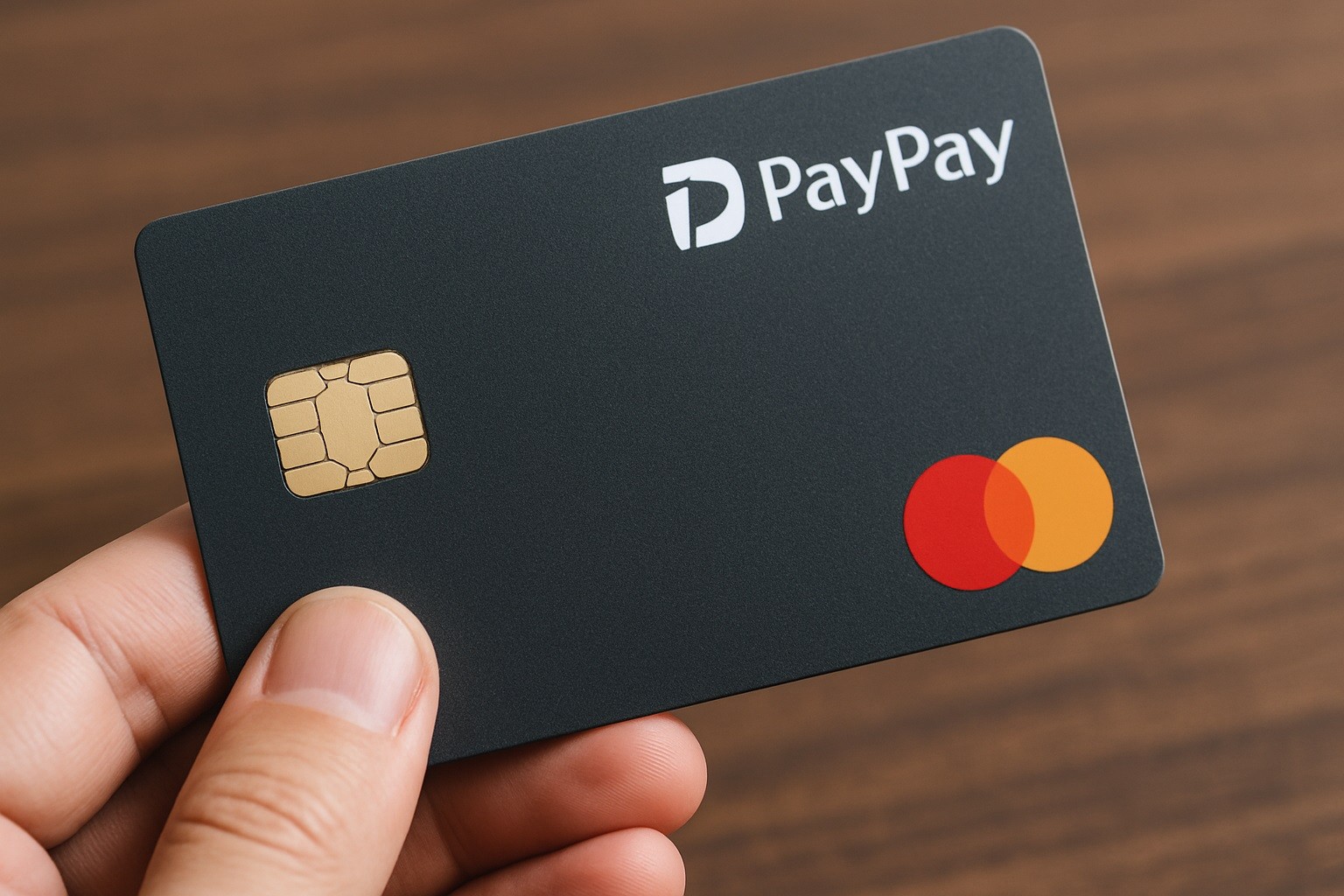
Eligibility and What You’ll Need
Officially stated PayPay Credit Card application conditions are age 18+ and living in Japan with a stable, continuous income (applicant or spouse).
These conditions are published by the issuer and apply whether you apply via the app or web.
Practical requirements that appear in the official flow and help pages include Yahoo! JAPAN ID and Identity documents for delivery/activation.
This is when the payment account wasn’t registered at application time (e.g., driver’s license, My Number Card, residence card).
Interest Rates, Fees, and Key Terms
Annual fees
- PayPay Card: ¥0
- PayPay Card Gold: ¥11,000 (tax-incl.)
- ETC card: ¥550 (tax-incl.)/year
- Family card: ¥0.
Revolving (リボ) shopping charges
- Effective annual rate (実質年率): 18.0%. Billing closes on the last day of each month; payment is due on the 27th of the following month (next business day if a holiday).
- Cash advance (キャッシング)
- Effective annual rate: typically 18.0%; if the new loan plus existing PayPay Card loans totals ¥1,000,000 or more, the rate becomes 15.0%.
- Late payment damages: 20.0% effective annual rate.
- Points & in-app integration
Card use earns PayPay Points; the accrual rate/bonus may vary with PayPay STEP status and how the card is linked/used in the PayPay app.
Tip: If you routinely revolve balances or take cash advances, model the costs first. The issuer provides examples and calculators for revolving payments.
Step-by-Step: PayPay Credit Card Application
You have two options to apply.
Option A — Apply in the PayPay app (fastest for most users)
Open the app and log in with your Yahoo! JAPAN ID (or create one when prompted). Enter application details (name, address, employment, etc.).
(Recommended) Register your bank account during the application. If you pass screening, you’ll be able to see your card number/expiry right away.
Submit and await screening. The issuer advertises screening “as fast as a few minutes” in the standard flow.
Option B — Apply on the web
Go to the official PayPay Card application page, log in with Yahoo! JAPAN ID, and start a new application.
Input your details and, if possible, register your payment account within the application to enable immediate online use upon approval.
Submit and monitor status; the card is then mailed to you.
After approval and delivery
Activate your card (scan the barcode on the card carrier or use the in-app/web prompt).
Sign the back of the card.
Link PayPay ↔ Yahoo! JAPAN ID to ensure points post correctly; some bonuses expire if not linked within 30 days of the grant date.
Useful Setup & Payment Tips
Statement closes at month-end; due date is the 27th next month. Plan cash flow to avoid late fees.
Revolving and installment payments incur fees; one-time (翌月一回払い) is fee-free. Use revolving only when needed.
The issuer and PayPay jointly note Apple Pay and Google Pay support for PayPay Card/Gold, enabling quick in-store and online use after activation.
The PayPay app shows PayPay Card credit used/remaining and points, making it easier to keep spending in check.
Customer Support
Issuer — official addresses
- Headquarters (本社): YOTSUYA TOWER, 1-6-1 Yotsuya, Shinjuku-ku, Tokyo 160-0004
- Registered address (登記上の所在地): 1-3 Kioicho, Chiyoda-ku, Tokyo.
- General contact (published by the issuer)
- Customer Consultation Office: 092-451-5971, Weekdays 9:30–17:30.
- Automated IVR and seasonal notice (issuer notice)
- Automated line (self-service): 0570-098-181 (PayPay Card) and 0120-681-817 (PayPay Card Gold). Availability remains during holiday periods even when human support is paused.
Web/Chat: Start from the support hub; human chat hours are 9:30–17:30 (auto chat is 24/7).
For lost or stolen cards, follow the issuer’s help flow immediately in the app/web; dedicated numbers and procedures are published in the help center.
Conclusion
The PayPay Credit Card application is done once you’ve set up (or signed into) a Yahoo! JAPAN ID and have your smartphone handy.
Pick PayPay Card if you want a no-annual-fee option, or PayPay Card Gold if you value premium benefits.
Keep an eye on billing dates, consider one-time payments to avoid interest, and manage your spending and points directly inside the PayPay app.
Disclaimer: Information on eligibility, fees, rates, benefits, and contact details is based on issuer publications and was verified on August 26, 2025; terms can change without notice. Always confirm the latest conditions and disclosures on PayPay Card Corporation’s official site or with customer support before you apply.